
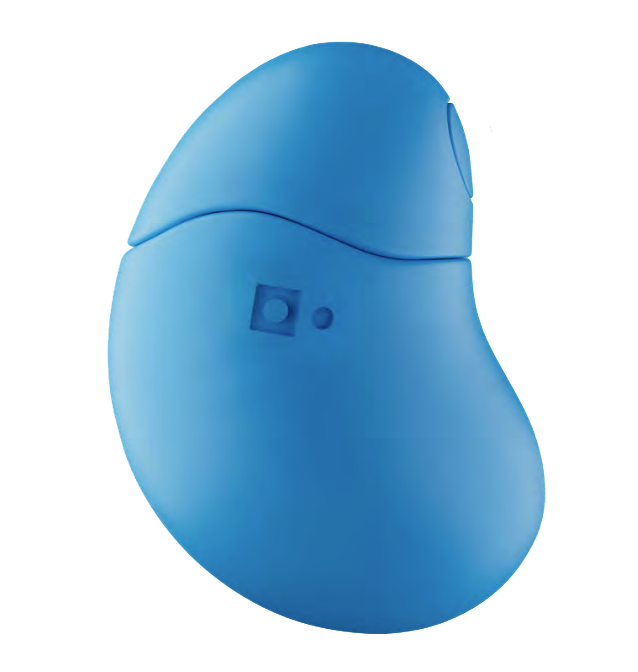
Setting Grasp up for the first time?
Follow this three step guide to set you Grasp device up for the first time.
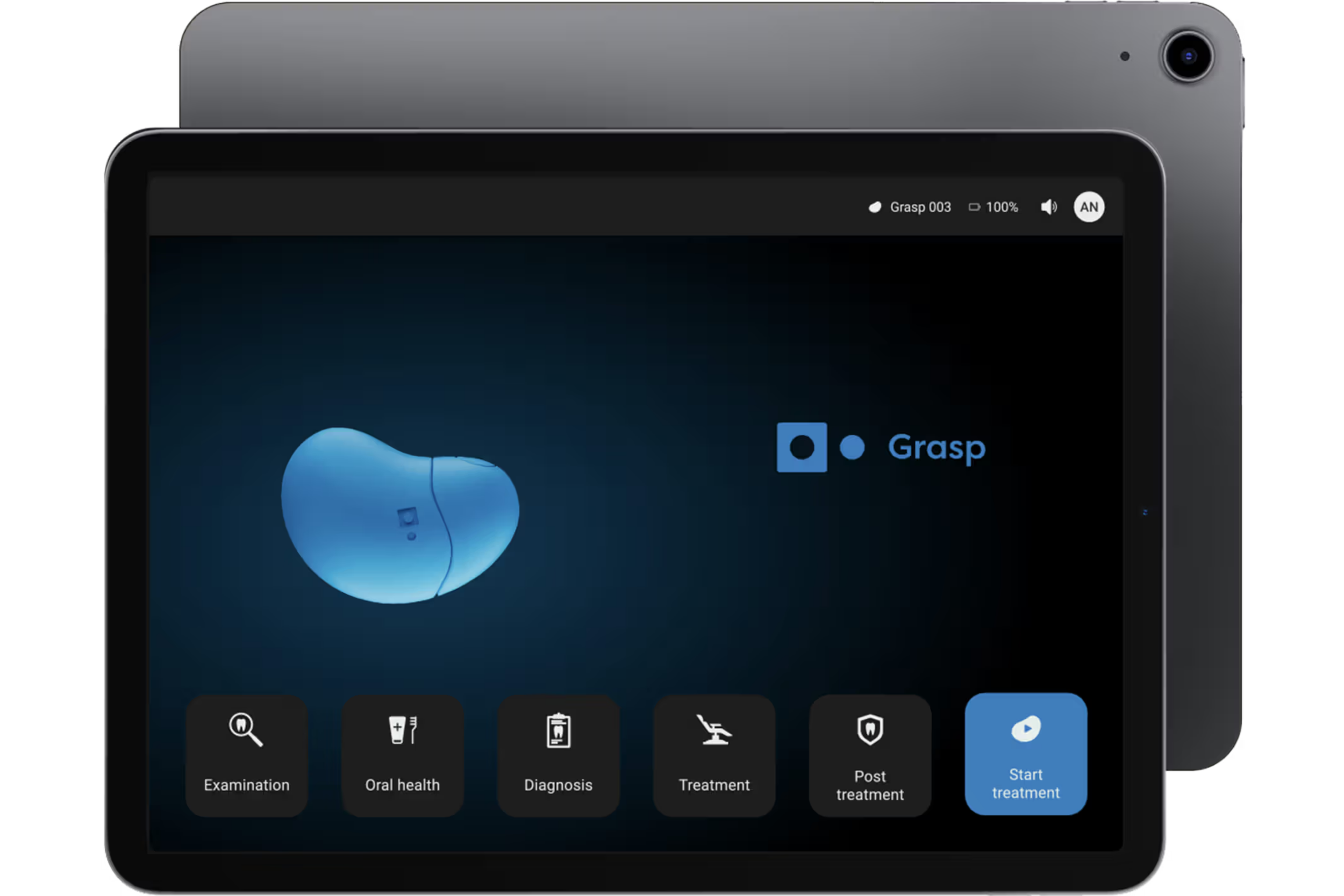
1. Set up the tablet
Make sure your iPad is charged and ready for use.
Connect the iPad to a secure Wi-Fi network to ensure a stable connection.
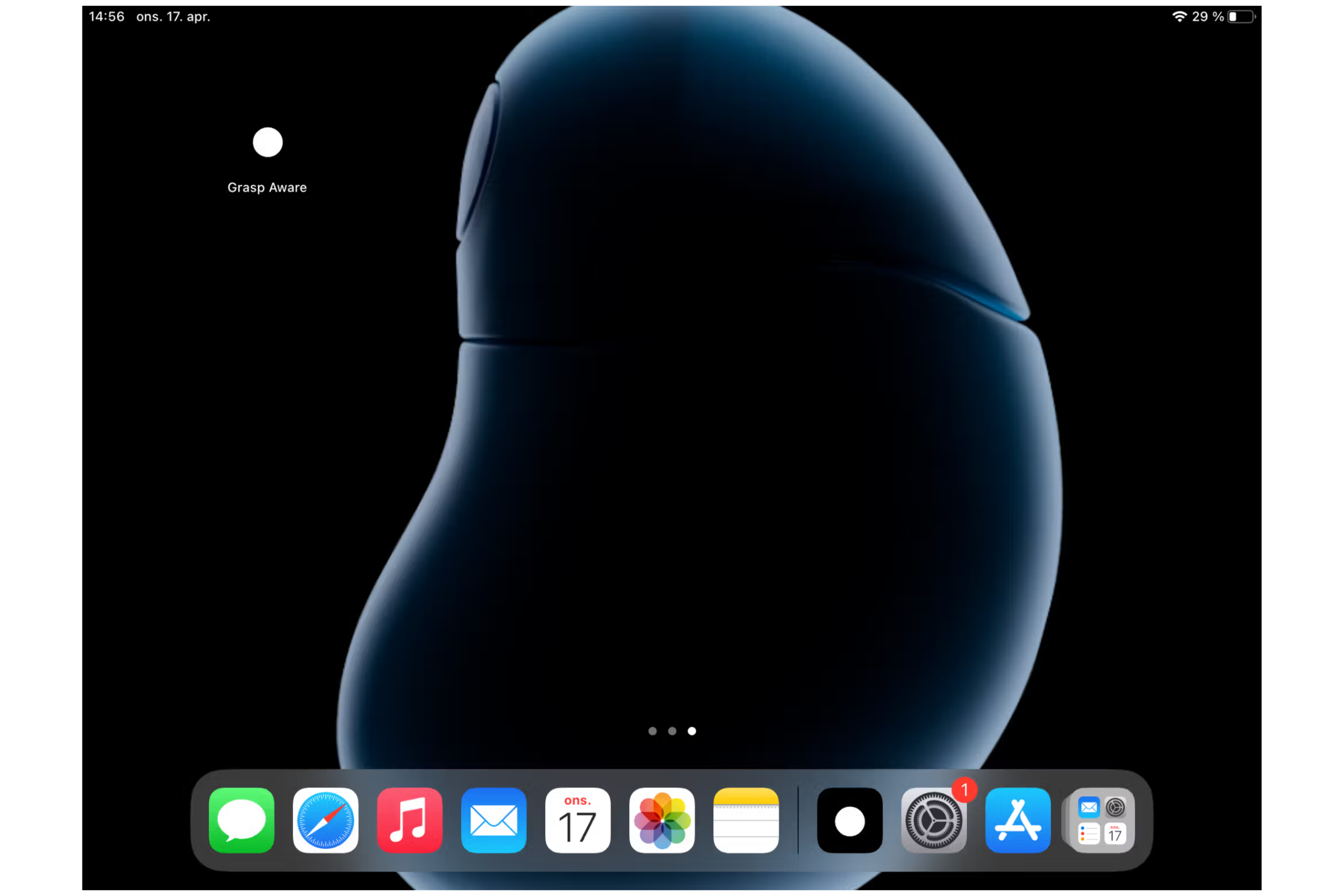
2. Download the App
Grasp Aware is compatible with iOS 14.0 or newer versions.
Open the App Store on your iPad
Log in with your Apple ID if necessary. The Apple ID and password are included in the package.
Search for the Grasp Aware app and download it to your device.
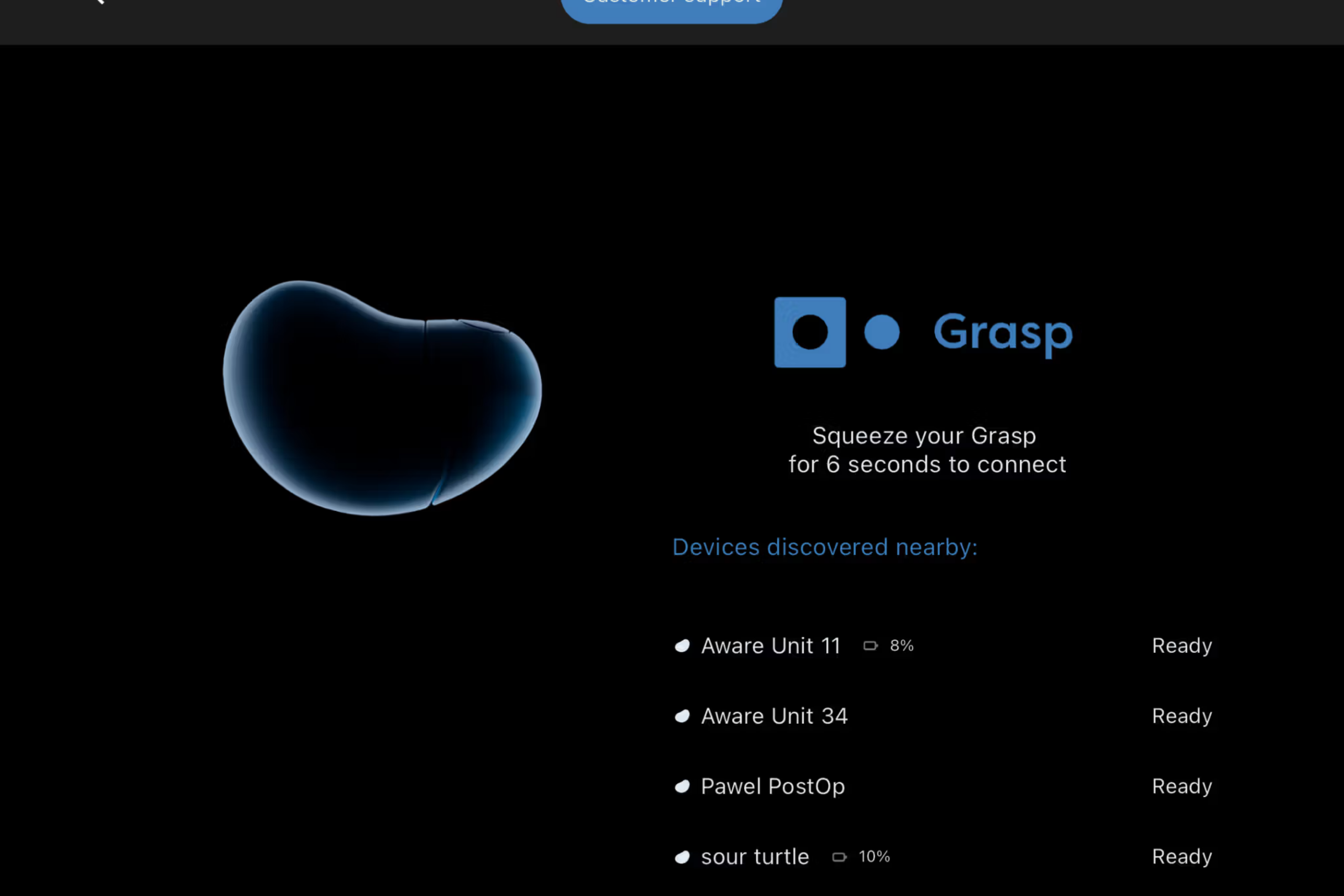
3. Connect the Grasp device
Open the Grasp Aware app after downloading.
Log in with username and password (these were included in the introduction mail for Grasp Aware)
You will be asked to connect to the Grasp device.
Make sure the Bluetooth in the iPad is turned ON.
Squeeze and hold the Grasp device hard for six seconds until it begins to flash a blue light.
Press the Connect-button in the app (see screenshot)
Get in touch
Whether you're setting up Grasp for the first time or looking to get more out of your device, our team is here to support you.
Contact us for ongoing support or training.
Whatever challenge your patients face, we are here to help them cope with confidence.
-
Grasp was founded by two clinicians who, over years of practice, repeatedly saw the same challenge: patient fear was recognized, but rarely managed in a way that strengthened confidence and lasting trust.
-
By combining clinical insight with proven coping strategies, Grasp gives patients a simple way to express and manage their emotions in real time. Helping them feel safer, more in control, and better supported during care.
-
We collaborate with dental clinics, primary care providers, emergency departments, and hospitals committed to delivering calmer, more confident care.